
The hidden cost of manual document intake in service businesses
Manual document intake costs service businesses far more in delay, rework, and broken handoffs than in labor alone.
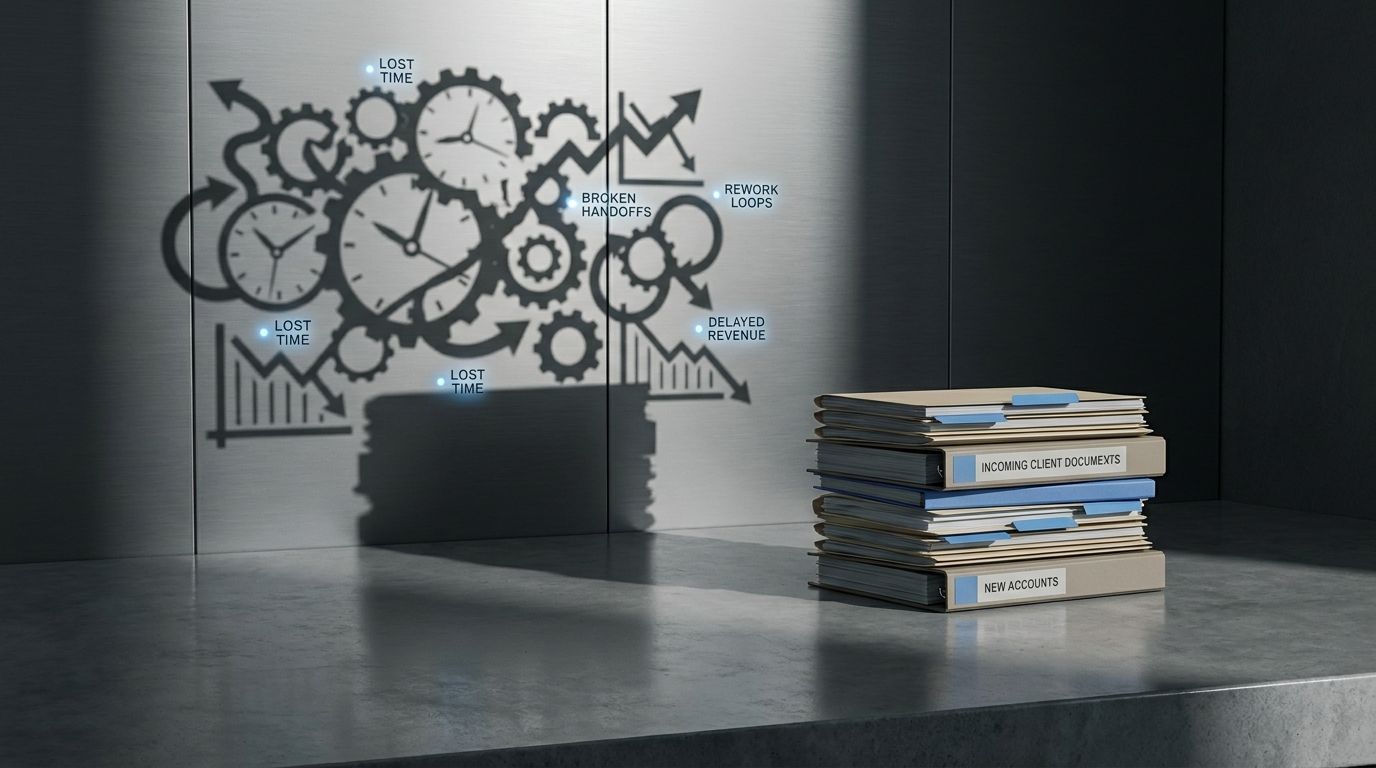
Most service businesses do not think of document intake as a serious operational problem.
It feels like admin work.
A file comes in. Someone opens it. Someone checks it. Someone renames it. Someone forwards it. Someone follows up because something is missing. Then the real work starts.
That sequence looks harmless when you only see one file at a time.
It looks expensive when you zoom out and see the workflow.
This is where a lot of small service businesses lose margin without noticing.
Not because document work is glamorous.
Because it sits at the front of important workflows:
- client onboarding
- accounting review
- legal intake
- insurance processing
- recruiting operations
- back-office fulfillment
If document intake is slow, messy, or inconsistent, everything downstream gets slower too.
The labor is not the real cost
When teams talk about manual work, they usually focus on the minutes spent on the task.
Open the attachment. Check the fields. Rename the file. Move it to the right folder. Ask for the missing page.
That is the visible cost.
The more expensive part is everything around the task:
- the delay before someone sees the document
- the handoff to the next person
- the follow-up because the file is incomplete
- the rework because the wrong version was used
- the client frustration when they have to resend the same thing
- the reporting noise because nobody knows where the bottleneck really is
That is what makes manual document intake expensive.
Not the click.
The drag.
Why this workflow breaks so often
Document intake usually fails for boring reasons.
The file arrives in the wrong format.
The naming is inconsistent.
The inbox becomes the system of record.
One person knows how to handle exceptions. Everyone else pings them.
The checklist lives in someone's head.
A missing field is only discovered two steps later, when the file already changed hands.
None of this looks like a "big AI problem."
That is exactly why it survives for so long.
Teams normalize it.
They assume that because the work is repetitive, it must also be cheap.
It usually is not.
The business impact shows up in four places
1. Slower turnaround
If the workflow starts with messy intake, the whole operation waits.
That means slower onboarding, slower approvals, slower reviews, and slower client response times.
In service businesses, speed matters more than people admit.
Not because every workflow must be instant.
Because avoidable delay compounds.
2. Rework
Manual intake creates version problems, missing-data problems, and routing problems.
So the team touches the same file more than once.
That is where operational waste starts to multiply.
You do not just do the work.
You redo the work.
3. Fragile ownership
In many small firms, document intake "belongs" to everyone and therefore to no one.
Sales forwards it to ops. Ops asks finance. Finance asks the client. The client sends a newer version. Now nobody is sure what is current.
That is not a document problem.
That is a workflow design problem.
4. Poor visibility
Leaders often know document-heavy work feels slow.
They usually do not know exactly where the slowdown is.
Is it missing files? Bad routing? Manual checks? Waiting on approvals? Duplicate review?
When the workflow is manual, the bottleneck hides inside the handoffs.
This is why service businesses should care
A lot of AI content focuses on flashy use cases.
Chatbots. Autonomous agents. Generative everything.
Meanwhile small service businesses are still losing time on workflows that should be much cleaner before any of that matters.
Document intake is one of the clearest examples.
It is common. It is painful. It is measurable. It touches client experience. It creates downstream drag.
That makes it a much better candidate for workflow redesign than whatever AI tool is trending this month.
This is also why diagnosis matters.
If you automate intake without understanding the actual failure points, you just move the mess faster.
The goal is not to "use AI on documents."
The goal is to make the workflow hold up.
What better looks like
A better document intake workflow usually has a few traits:
- one clear entry point
- clear requirements before submission
- consistent file handling
- obvious ownership
- fast validation of missing or bad inputs
- structured routing once the file is accepted
Notice what is missing from that list.
Fancy architecture.
Most of the leverage comes from getting the workflow right.
Then automation or AI can support the parts that actually deserve it:
- classification
- extraction
- validation
- routing
- exception handling
That order matters.
Workflow first. Then system choice.
A simple decision test
If your business handles documents as part of onboarding, approvals, compliance prep, client service, or reporting, ask these five questions:
- How many times does a human touch the same document before it reaches the right place?
- How often does the team need to chase missing or incorrect information?
- How long does the document sit before someone takes the next step?
- Is ownership obvious at each stage?
- Could you explain the real bottleneck without opening Slack, email, and three tools?
If those answers are messy, the workflow is probably costing more than the team thinks.
And if the workflow is costing more than the team thinks, it is worth diagnosing before buying another tool.
Where AI actually fits
This is not an argument against AI.
It is an argument against vague AI.
AI can be useful in document-heavy workflows.
But only when the use case is attached to a workflow that makes business sense.
Good fit:
- pulling structured data from recurring document types
- flagging missing fields early
- routing files based on clear rules
- summarizing standard document contents for faster review
Bad fit:
- adding an AI layer to a workflow nobody mapped
- trying to automate exceptions before the normal case is stable
- using AI to compensate for unclear ownership
Again, the workflow decides whether the use case holds up.
The practical takeaway
Manual document intake does not only cost labor.
It costs speed. It costs margin. It costs consistency. It costs trust in the system.
That is why it is often a better starting point than broader, more exciting AI ideas.
For a small service business, the first win usually comes from removing friction in a workflow that already matters.
Not from chasing novelty.
If your team handles the same documents every week and still depends on inboxes, memory, and follow-up to keep things moving, that is not just admin overhead.
It is operational drag.
And it is usually worth fixing before you buy anything else.
Next step
If you want to know whether document intake is one of the workflows worth fixing first, start with a workflow diagnosis.
That is the point of the AI Operations Assessment.
It helps you identify where the drag actually is, what to automate first, and what should wait.